
How to Check Load Balance in TNT Complete Guide 2026
Running out of mobile load unexpectedly can be frustrating, especially during emergencies when you need to contact someone urgently. To avoid such situations, it’s important to always monitor your remaining balance. If you’re wondering how to check load balance in TNT, this guide covers all available methods so you can stay connected at all times.
Note: Your TNT SIM must be registered before you can check or manage your load.
5 Easy Ways to Check TNT Load Balance
There are multiple ways to view your TNT balance, ranging from quick USSD codes to mobile apps. Here’s a detailed breakdown:
1. Using USSD Code (Fastest & Free)
USSD codes are the quickest way to check your TNT balance, and they don’t require an internet connection.
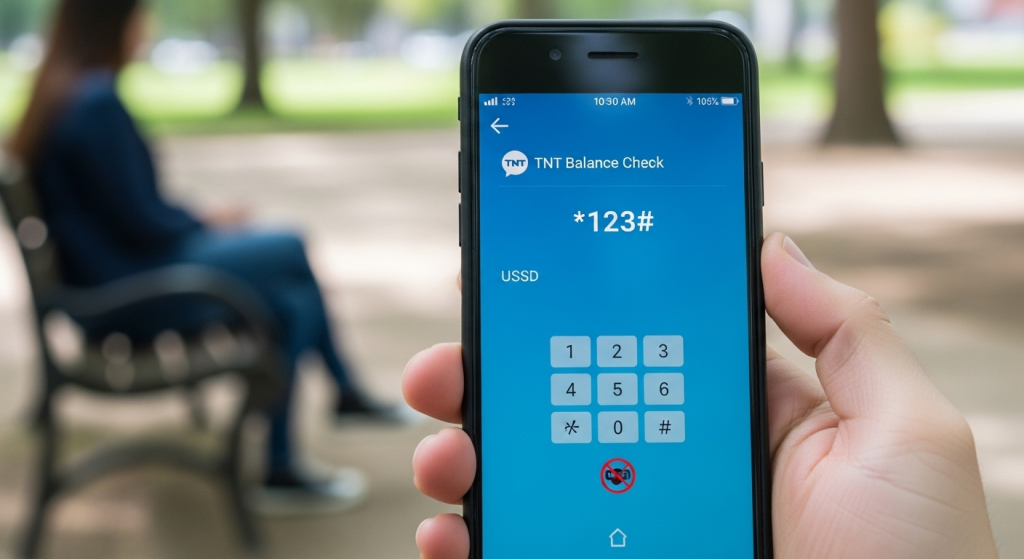
Steps:
- Open your mobile dial pad.
- Dial *123#.
- Tap Call / Dial.
- Wait for the menu to appear and choose the Balance Option.
- Your current load balance will be displayed.
Tip: Some users may see the balance directly in the USSD menu without further steps. This method is free and works even without internet access.
2. Via SMS
You can also check your TNT balance through a text message.

Steps:
- Open the Messages app on your phone.
- Create a new message and type BAL.
- Send it to 214 using your TNT number.
- You will receive an SMS showing your remaining load and expiry information.
Note: This method is quick but may sometimes charge a small fee depending on your region.
3. GigaLife / Smart App
The GigaLife app (or Smart app) lets you check your balance, promo details, and expiry dates in real-time.
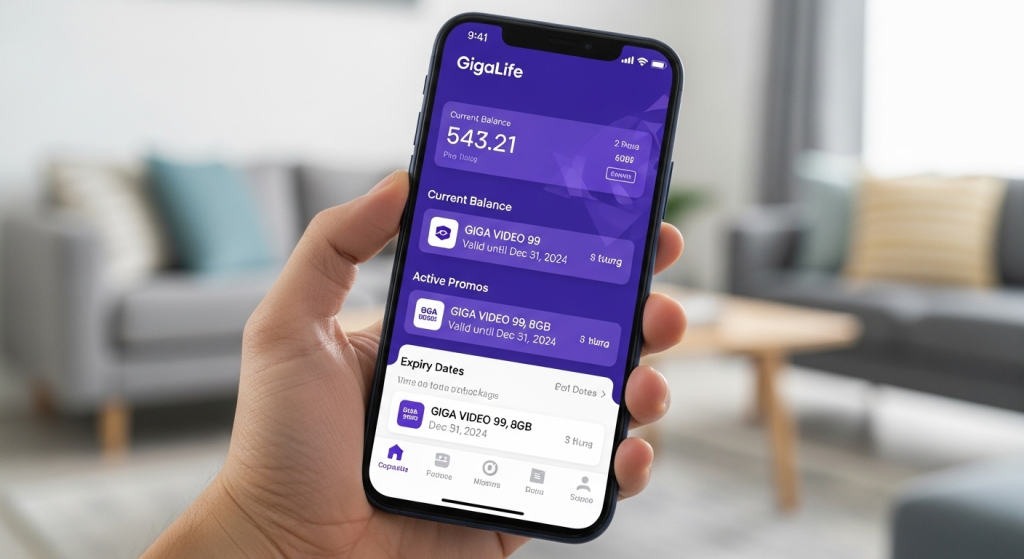
Steps:
- Download the GigaLife app from the Play Store or App Store.
- Log in using your TNT number.
- Tap Check Usage.
- Your available load, active promos, and expiration dates will be displayed.
Tip: This method requires a stable internet connection but provides detailed and live updates.
4. Online TNT Portal
You can also view your balance using the official Smart or TNT online portal.
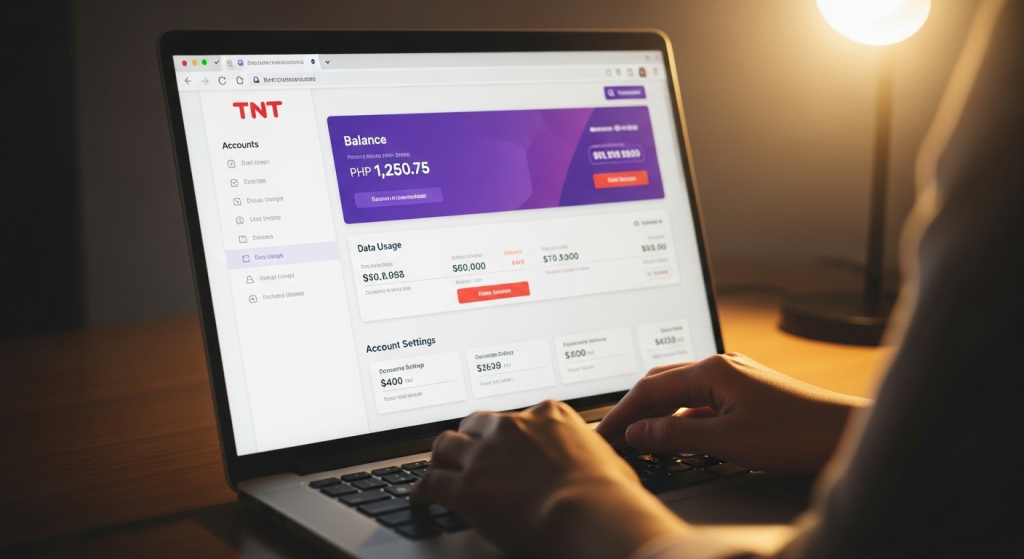
Steps:
- Visit the Smart/TNT web portal.
- Log in with your TNT number.
- Your dashboard will display your current load and active promos.
Note: This method requires internet access and provides detailed information about your data usage and active promos.
5. Voice Call Inquiry
For users who prefer audio guidance, TNT allows balance checking via voice call.
Steps:
- Dial *888 from your TNT number or (02) 8888-1111 from a landline.
- Follow the voice instructions.
- Select the Balance Inquiry option to hear your current load and promo details.
Tip: This method doesn’t require internet and is helpful for visually impaired user
Tips for Checking TNT Load Balance
- Online apps and portals show live updates and detailed information.
- Use USSD codes during emergencies or when the internet is weak.
- TNT codes may vary by region, so check local codes if a method doesn’t work.
- If the balance doesn’t update immediately, restart your phone and try again.
Frequently Asked Questions
Conclusion
Checking your TNT load balance is simple and convenient with multiple options available. Whether you prefer USSD codes, SMS, the GigaLife app, online portals, or voice calls, you can always stay updated on your remaining load and active promos. Regularly monitoring your balance ensures uninterrupted calls, messages, and internet usage, helping you stay connected anytime, anywhere.
Stay smart, stay connected, and never run out of TNT load unexpectedly!
Related Posts