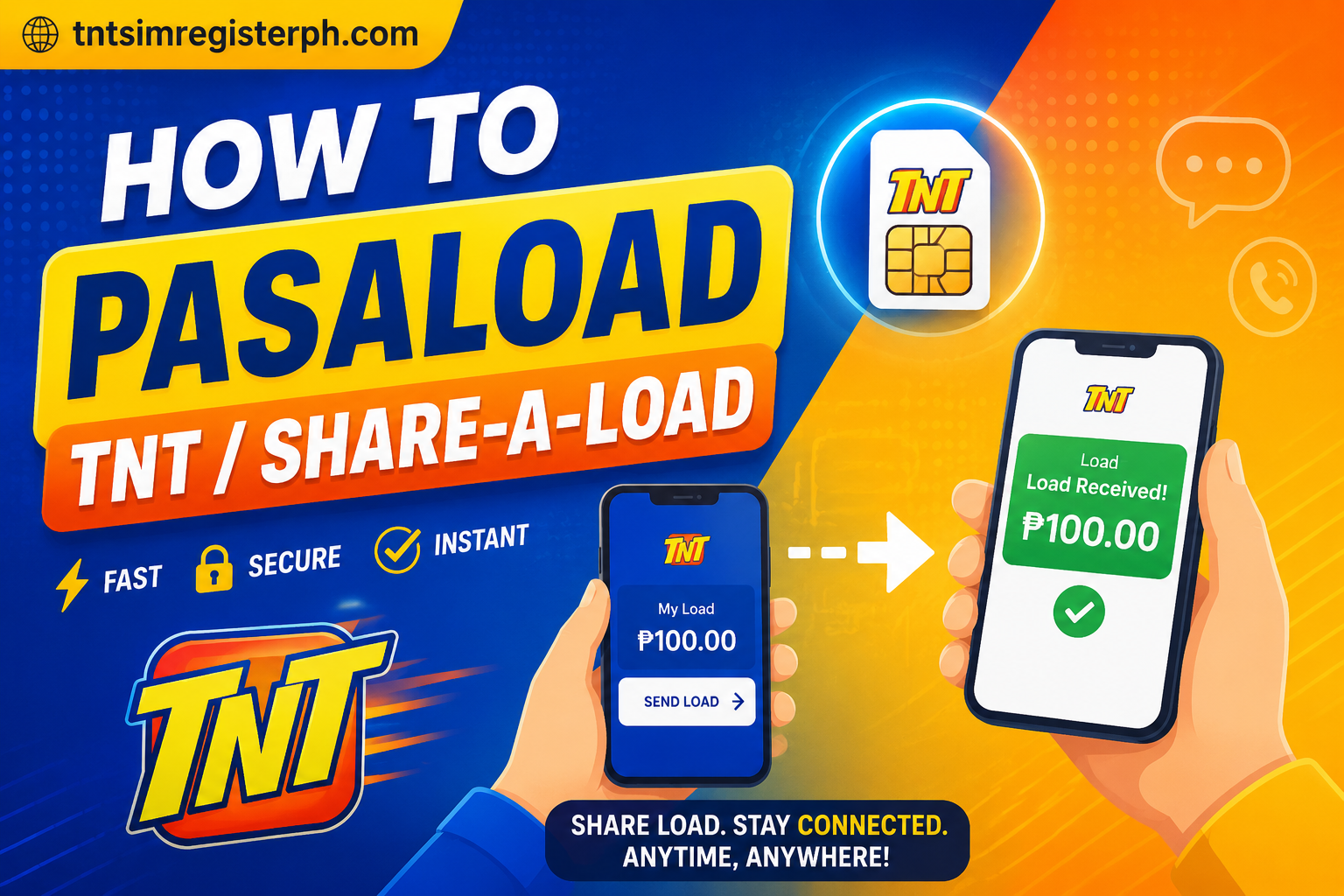
How to Pasaload TNT / Share-a-Load in 2026
Pasaload, also known as share-a-load, is the process of sending a portion of your mobile load to another prepaid user on the same network. Instead of purchasing a new load card, you can transfer load directly from your existing balance. Usually, the sender is charged a minimal fee, often ₱1, for every transaction. This feature is very helpful during emergencies when someone runs out of load and urgently needs to call or send messages. Pasaload is quick, secure, and processed instantly.
How to Pasaload TNT GigaLife App
The simplest way to pasaload on TNT is by using the GigaLife app, the official application of Smart and TNT. You can download it from Google Play for Android, the Apple App Store for iOS, or the App Gallery for Huawei devices without Google Mobile Services. The GigaLife app enables users to manage promos, load, and transactions digitally.
After installing the app, register an account using your Smart or TNT number. Make sure you have enough load balance before transferring prepaid load to another user.
Before you pasaload, make sure you have:
- An active TnT SIM
- GigaLife app installed
- Stable internet connection
- Sufficient load balance
How to Create an Account on the GigaLife App
- Open and log in to your GigaLife app
- Tap on the “Pasa” option at the bottom of the screen
- In the Friends tab, you can send load to saved contacts or manually enter a mobile number
Pasaload via GigaLife App (Step-by-Step)
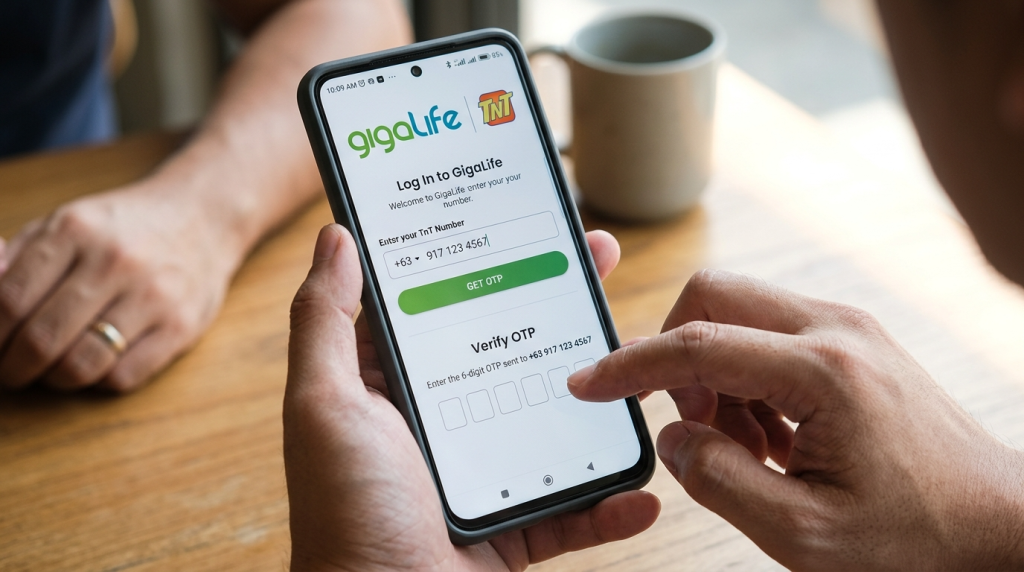
Step 1 – Open GigaLife App
Launch the app, log in using your TnT number, and verify through OTP.
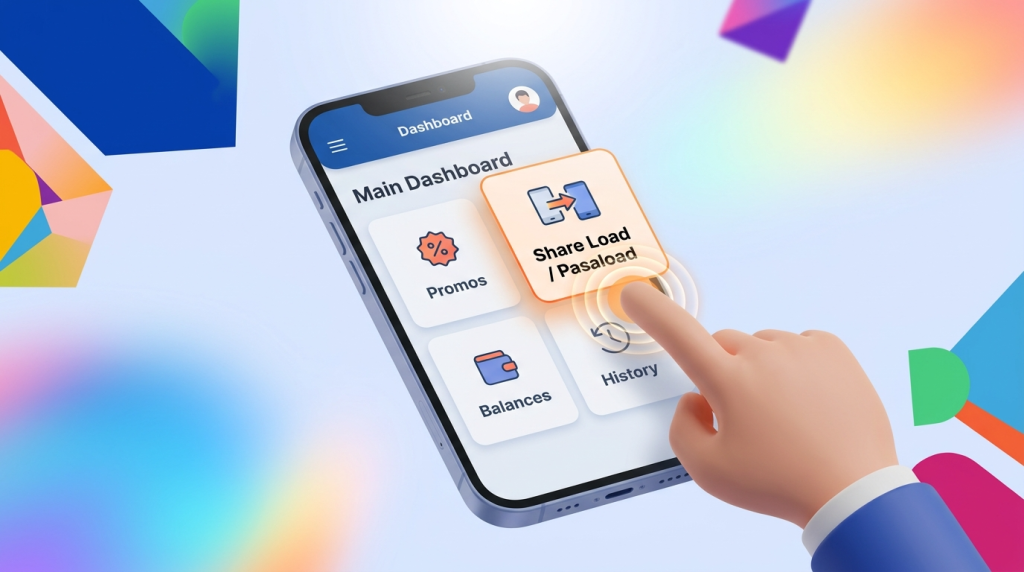
Step 2 – Tap “Share Load” / “Pasaload”
Locate this option in the main dashboard.
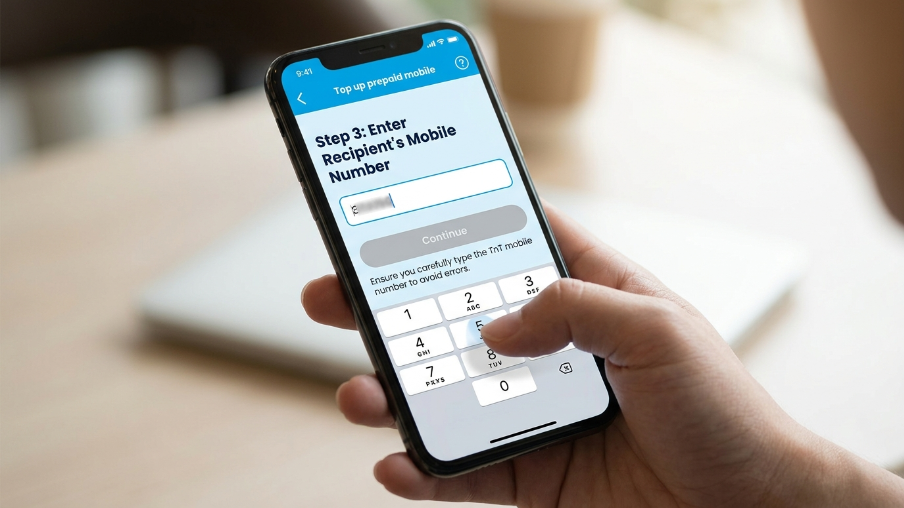
Step 3 – Enter the Recipient’s Number
Carefully type the TnT mobile number.
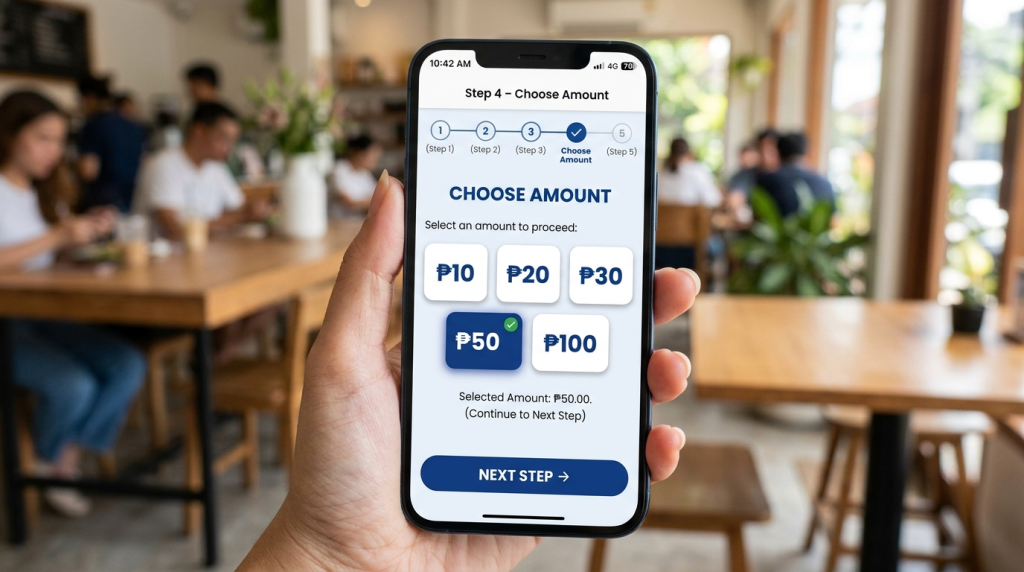
Step 4 – Choose Amount
Select from ₱10, ₱20, ₱30, ₱50, or ₱100.
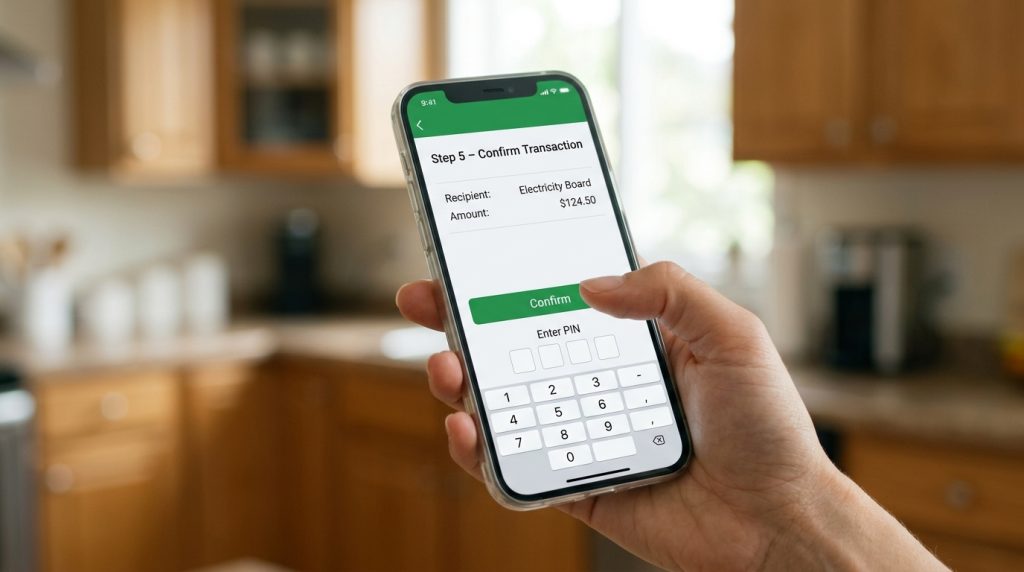
Step 5 – Confirm Transaction
Tap confirm and enter your PIN if required.
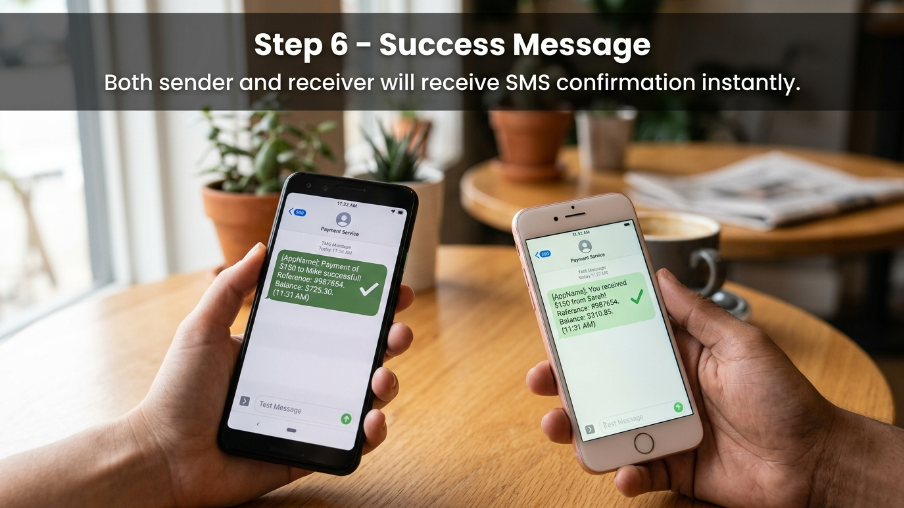
Step 6 – Success Message
Both sender and receiver will receive SMS confirmation instantly.
Pasaload Denominations through the GigaLife App
- ₱50 (valid for 30 days)
- ₱100 (valid for 30 days)
- ₱200 (valid for 60 days)
- ₱300 (valid for 60 days)
- ₱500 (valid for 60 days)
- ₱1000 (valid for 60 days)
Carrier-by-Carrier: How (or Whether) You Can Pasaload
Each network has its own rules for pasaload:
- TNT – Yes, pasaload is available via the GigaLife app and SIM menu
- Smart – Yes, supported through GigaLife and SIM menu
- Sun (Smart-owned) – Limited support or merged with Smart services
- Globe – Offers a similar feature but under a different name
- DITO – Pasaload feature is limited or not widely available
For TNT users, the best method is using the GigaLife app.
Pasaload via Smart/TNT/Sun SIM Menu
If you prefer not to use the app, you can use the SIM menu instead:
- Open SIM Toolkit / Smart Menu on your phone
- Select Share Load / Pasaload
- Enter the recipient’s number
- Choose the amount
- Confirm the transaction
This method works even without an internet connection.
Conclusion
Pasaload is one of the most useful features for TnT users. Whether you use the GigaLife app or the SIM menu, you can transfer load within seconds.
The GigaLife app remains the most reliable option in 2025 and 2026 because it is fast, secure, and easy to use. Every TnT user should understand how to use Pasaload to stay connected and assist others when needed.
Related Posts