How to Share Data in TNT (2026)
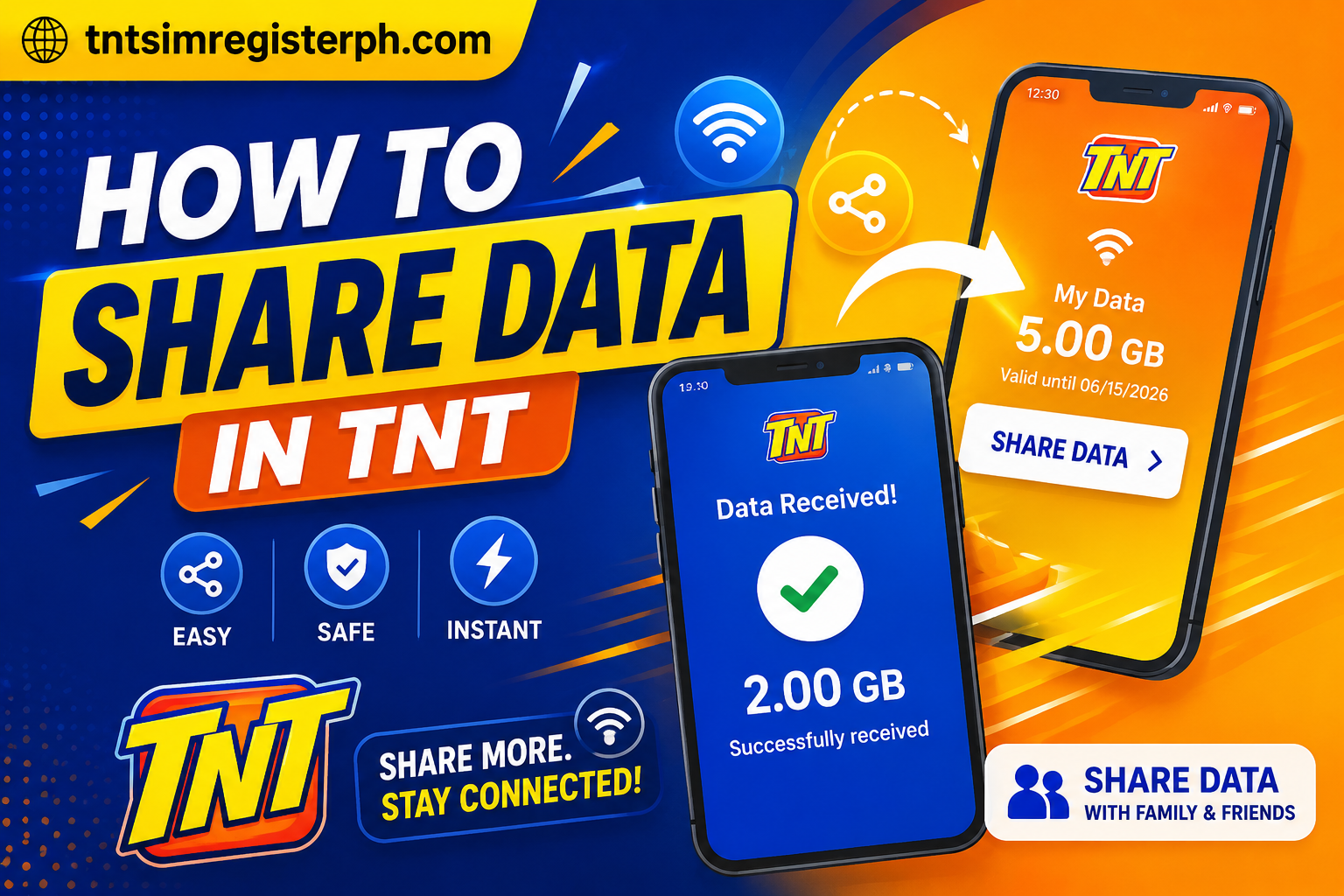
-Sharing data has become very common among prepaid users, especially when someone suddenly runs out of internet. In emergency situations, TNT offers a dependable service and simple methods that allow users to share their mobile data with family and friends instead of purchasing a new promo. Users can easily receive data from another TNT subscriber, making communication quicker, more convenient, and stress-free.
TNT data sharing works through the official app and built-in sharing features that let users transfer data in just a few simple steps. Whether you are at school, working from home, or traveling, you can stay connected anytime using TNT.
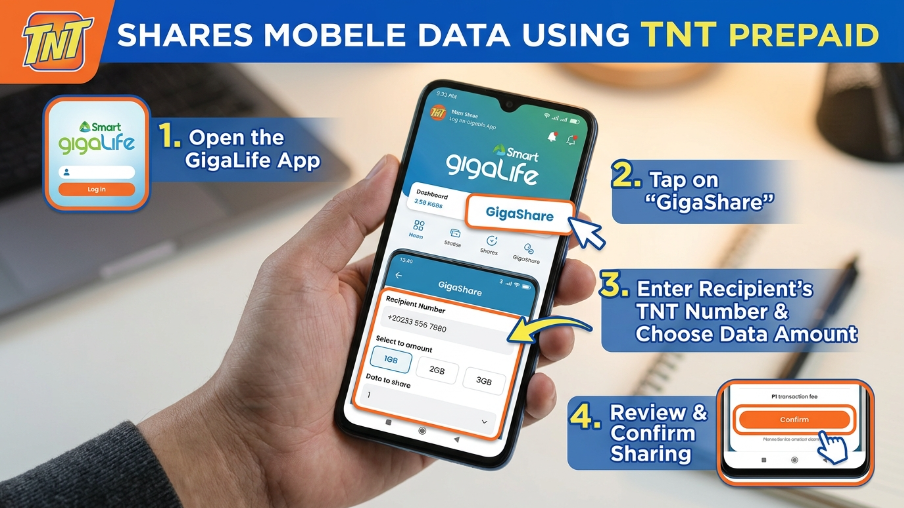
How to Share Mobile Data with TNT Prepaid
TNT has improved its prepaid promos with easier options. The sender only needs to open the TNT app on their smartphone. Inside the app, there is a dedicated section for data sharing where users can select the Gigashare or share data option. After choosing this, they simply enter the recipient’s TNT mobile number and select how much data they want to transfer.
Once the process is completed, both the sender and receiver will receive a confirmation message, ensuring that the data transfer was successful.
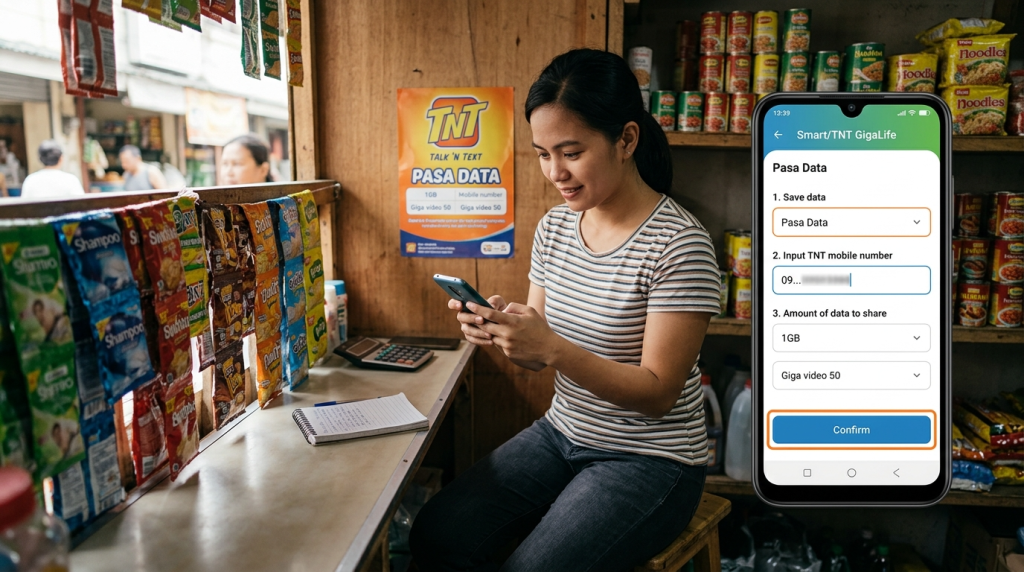
How to Share Mobile Data for Smart and TNT with PasaData
This feature is very useful for families or friends using different networks but still wanting to help each other with mobile data. It is also helpful when someone only needs a small amount of data and does not want to subscribe to a full promo.
PasaData is a special feature that allows data sharing between Smart and TNT users. This means a Smart subscriber can send data to a TNT user, and a TNT user can also share data with a Smart subscriber.
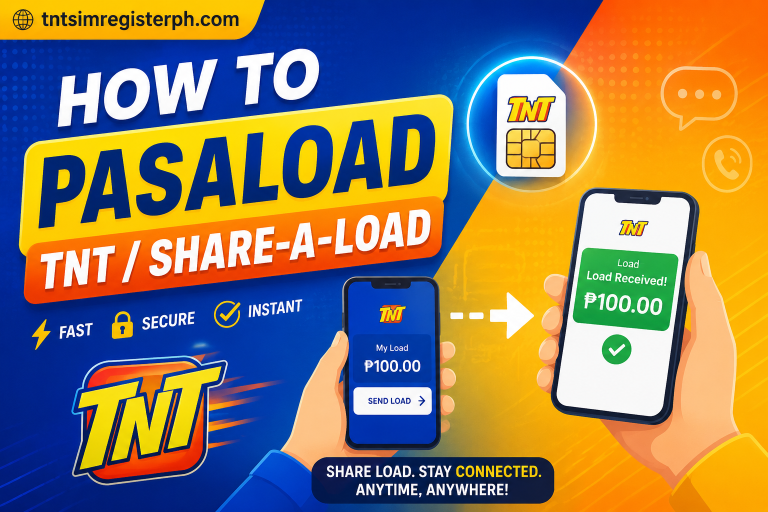
Benefits of the PASALOAD Feature
- Allows users to send regular mobile load instead of data
- Very useful during emergency situations
- Lets recipients make calls, send SMS, or subscribe to promos
- Works instantly without delays
- Does not require an internet connection
- Fast, reliable, and widely used among prepaid users
What Data Promos Are Compatible with PasaData?
Not all data promos support sharing, but many popular ones are included. You must be subscribed to a promo that has shareable data in order to send MBs using PasaData.
For TNT Users
GIGA VIDEO 50
1 GB shareable data + 1 GB/day for YouTube, NBA TV, iWantTFC & Cignal Play
Validity: 3 days
Price: 50 PHP
GIGA STORIES 50
1 GB shareable data + 1 GB/day for Facebook, Twitter, Instagram, TikTok & Kumu
Validity: 3 days
Price: 50 PHP
PANALO DATA 30
500 MB shareable data + 200 MB/day for Facebook
Validity: 2 days
Price: 30 PHP
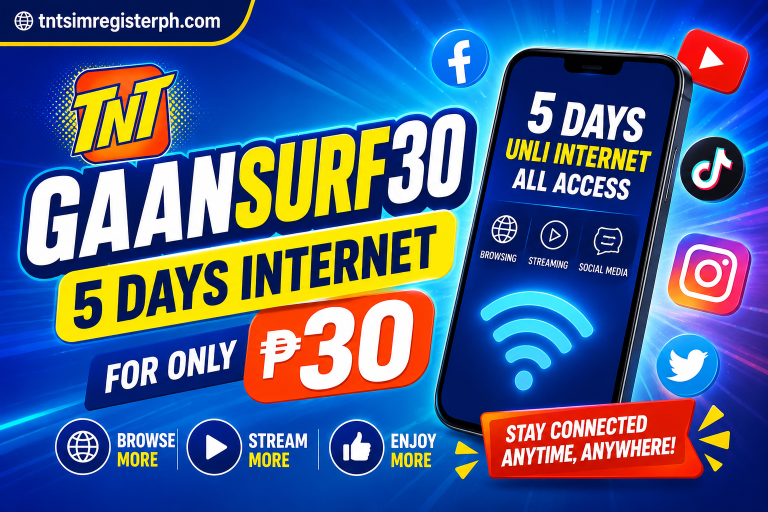
GAAN SURF 30
300 MB shareable data + 200 MB for Facebook, YouTube & Mobile Legends
Validity: 5 days
Price: 30 PHP
For Smart Users
GIGA VIDEO 50
1 GB shareable data + 1 GB/day for YouTube, NBA TV, iWantTFC & Cignal Play
Validity: 3 days
Price: 50 PHP
GIGA STORIES 50
1 GB shareable data + 1 GB/day for Facebook, Twitter, Instagram, TikTok & Kumu
Validity: 3 days
Price: 50 PHP
ALL DATA 50
2 GB shareable data
Validity: 3 days
Price: 50 PHP
MAGIC DATA 99
2 GB shareable data
Validity: No expiry
Price: 99 PHP
How to PASALOAD Smart to Smart/TNT
Smart users can send load to both Smart and TNT subscribers easily. The process is straightforward and secure. After completing the transfer, both sender and receiver will receive a confirmation message.
How to Share Load Globe to Globe/TM
Globe and TM users also have their own load sharing option. They can access this feature through their mobile menu and choose the load sharing option to transfer balance.
Conclusion
Data and load sharing services like PasaData and PASALOAD have made mobile communication and sharing much easier for users. People no longer need to worry when they run out of data. With simple options like pasaload, sharing data has become quick, convenient, and accessible anytime.
Related Posts